

Architecture you can trust when the doors open.
HostedERP is shaped by four practical decisions: each business owns its data, information moves where immediacy matters, the app keeps working when the network does not, and the physical last step — a receipt, a kitchen ticket, a key card — belongs to the same workflow.
One platform. A private environment for every business.
HostedERP is multi-tenant: one running application serves many independent businesses at the same time. Each business reaches it through its own address, and that address resolves to a database used by no one else.
This is a stronger separation than shared tables with a tenant column. There is no shared operational table to filter incorrectly, and no request path that quietly falls back to a default source. If the platform cannot confidently identify the business, it refuses the request.
- Each business has its own dedicated database
- Address resolution happens before any operational data is read
- The shared registry holds addresses, subscription status and login security — not business records
Updates that arrive, not updates you go looking for.
A live channel lets the server push a change to an already-open screen. It is deliberately targeted, not universal: immediacy is concentrated where a delay changes what someone does next.
- Booking activation, extension, cancellation and expiry
- In-app notifications and announcements
- Key-card encoding success or failure
- Order activity within the same point-of-sale session
Some screens — including parts of the kitchen workflow — refresh on a page load or a periodic check rather than an instant push. The live layer is an accelerator on top of the system of record, never a dependency for correctness.
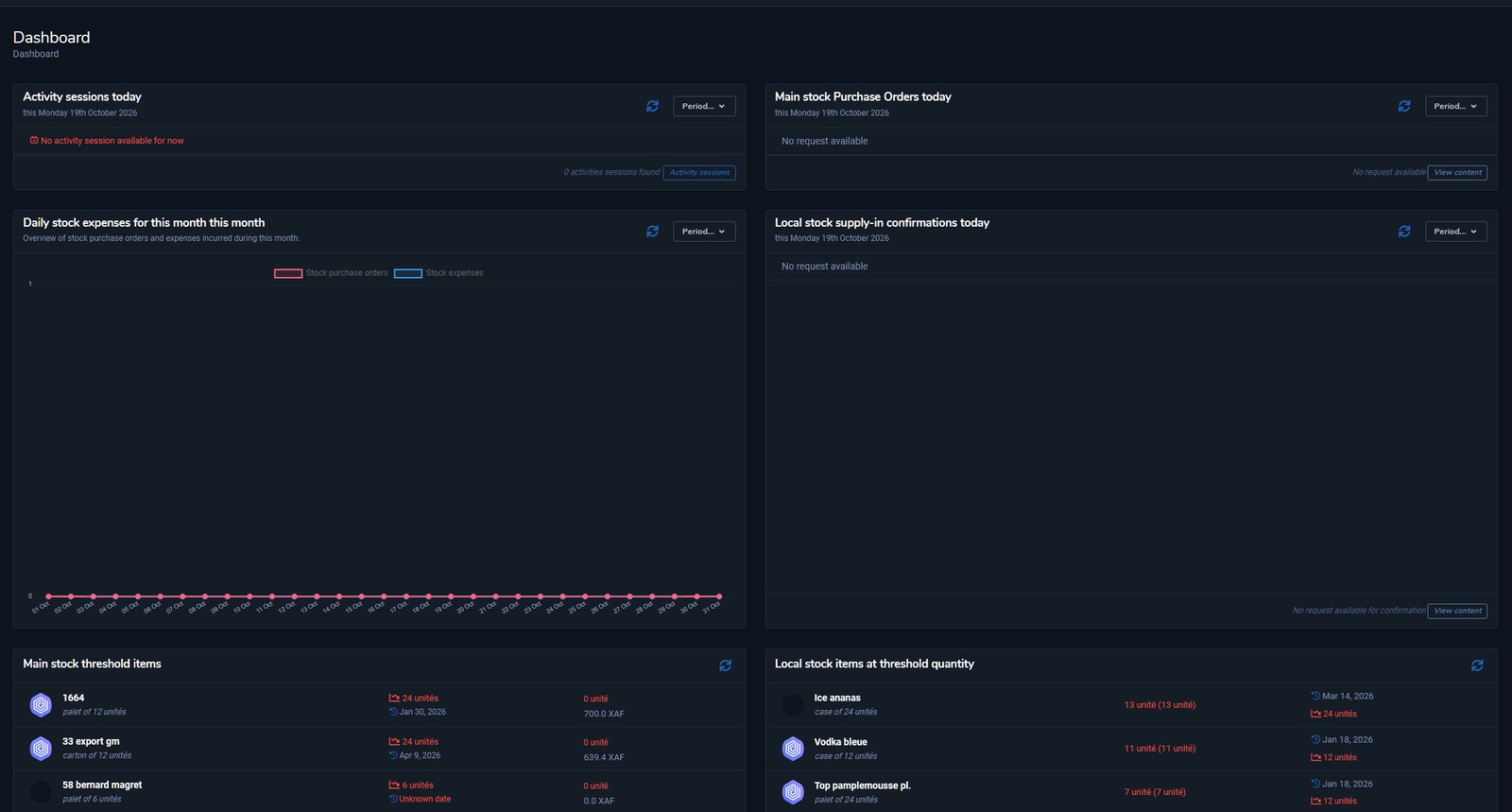
A light theme for the desk. A dark theme for the room.
HostedERP runs in both. The layout, dashboards, roles and records are identical; the theme changes the glare, not the data. A front desk can work in light, while a late close or a low-light service area uses the darker surface. The choice follows the device and can be switched at any time.
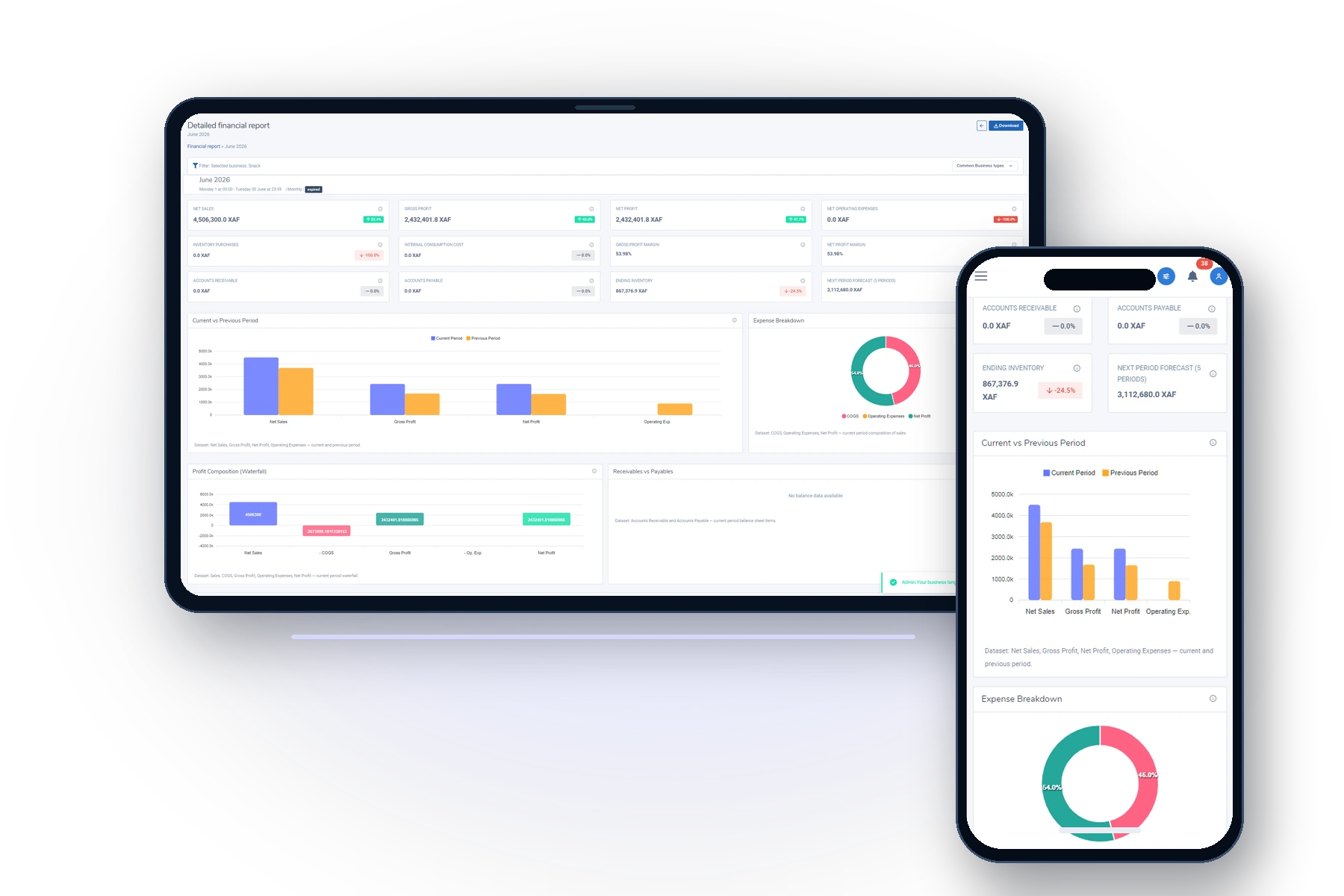
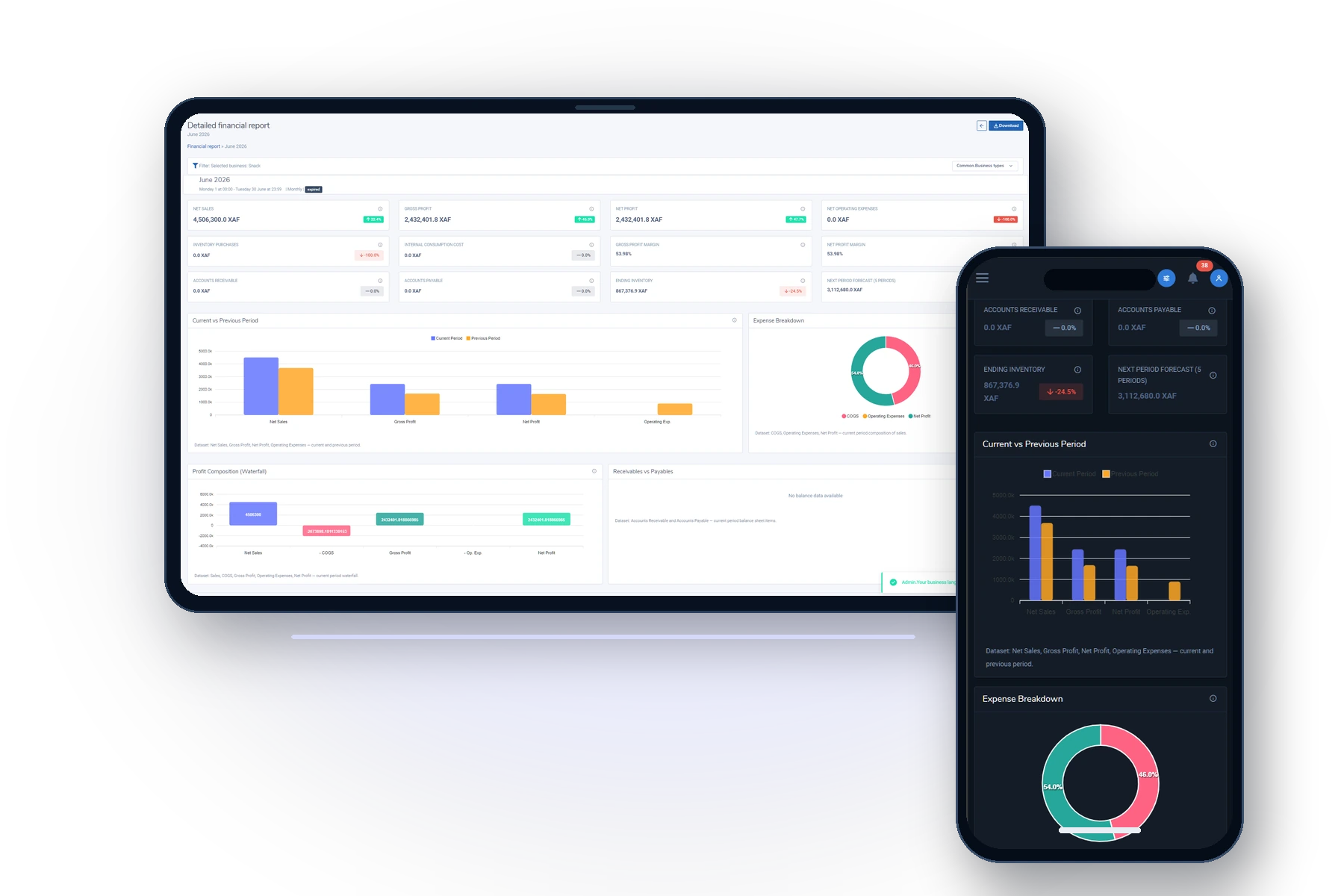
The operation travels with you.
HostedERP runs on desktop, tablet and phone. Operators work where the task happens — counter, floor, front desk, warehouse — and managers keep the same role-based view of sales, stock, bookings and approvals when they are away from the desk.
It is the same record and the same permissions, not a separate mobile report. Live data is fetched first; recently viewed screens remain available when the connection drops.
Reading already-loaded information offline is supported. Reliably capturing new entries while offline is still maturing; a submission made during a real outage should be confirmed once the connection returns.
The last step is often physical.
For hospitality and retail, a transaction is not finished until paper is in a hand or a card opens a door. These integrations are part of the product, not a separate project.
Receipt & kitchen printing
A small companion application on the workstation gives the browser a direct line to the receipt or kitchen printer. One action prints the ticket, with no system dialog in the middle of service.
- Receipts, kitchen tickets and operational documents
- Printer roles assigned once per workstation
- Falls back to a downloadable document when unconfigured
Electronic key cards
At check-in, staff encode the room and the exact valid-from and valid-to dates onto the guest's card. Magnetic-stripe, contactless and hybrid cards are supported.
- Issuance is always a visible, human step
- Extensions prompt a re-encode
- Lost cards, returns and maintenance cards are tracked
Offline locks, deliberate trade-off
Door locks read the card and enforce its date window locally, so room access survives a network outage. The counterpart is that a card cannot be revoked remotely.
- A cancel card invalidates a lost card at that door
- Checkout confirms card return
- The card's programmed expiry is the final boundary
Access is a boundary, not a setting.
The platform operator runs the shared environment; business administrators run their own operations. Neither party has routine access to the other's operational data, and that separation is structural.
Within a business, roles decide what a person can see and do. Sign-in is protected by progressive lockout, optional biometric or security-key verification, and re-verification of identity during a session.
- Ten staff roles, assignable per location and activity
- Login attempts and lockouts recorded for review
- Security notifications cannot be muted by an individual
- Guests and customers are not system users
Identify the business
The request is resolved to one business before any record is read.
Verify the person
Password, then optional device biometrics or a security key.
Apply the role
The dashboard, menus and actions follow the role and the active location.
Keep the record
Login activity, lockouts and sensitive actions remain reviewable.
Growth is configuration, not migration.
A single counter and a multi-property group use the same kind of account. The difference is how many locations, business types and staff are configured inside it.
Opening a second site means adding a location, not provisioning a new environment. Adding a restaurant to a hotel, or a shop to a restaurant, means activating another business type at that location. The history, staff accounts and reporting continuity stay where they are.
- Add locations without exporting or re-platforming
- Combine Reservation, Restaurant, Snack and Shop at one site
- Adopt capability areas as the business needs them
See the architecture against your operation.
We will walk through your locations, roles, stock and money flows — and show where HostedERP fits, and where it does not.