

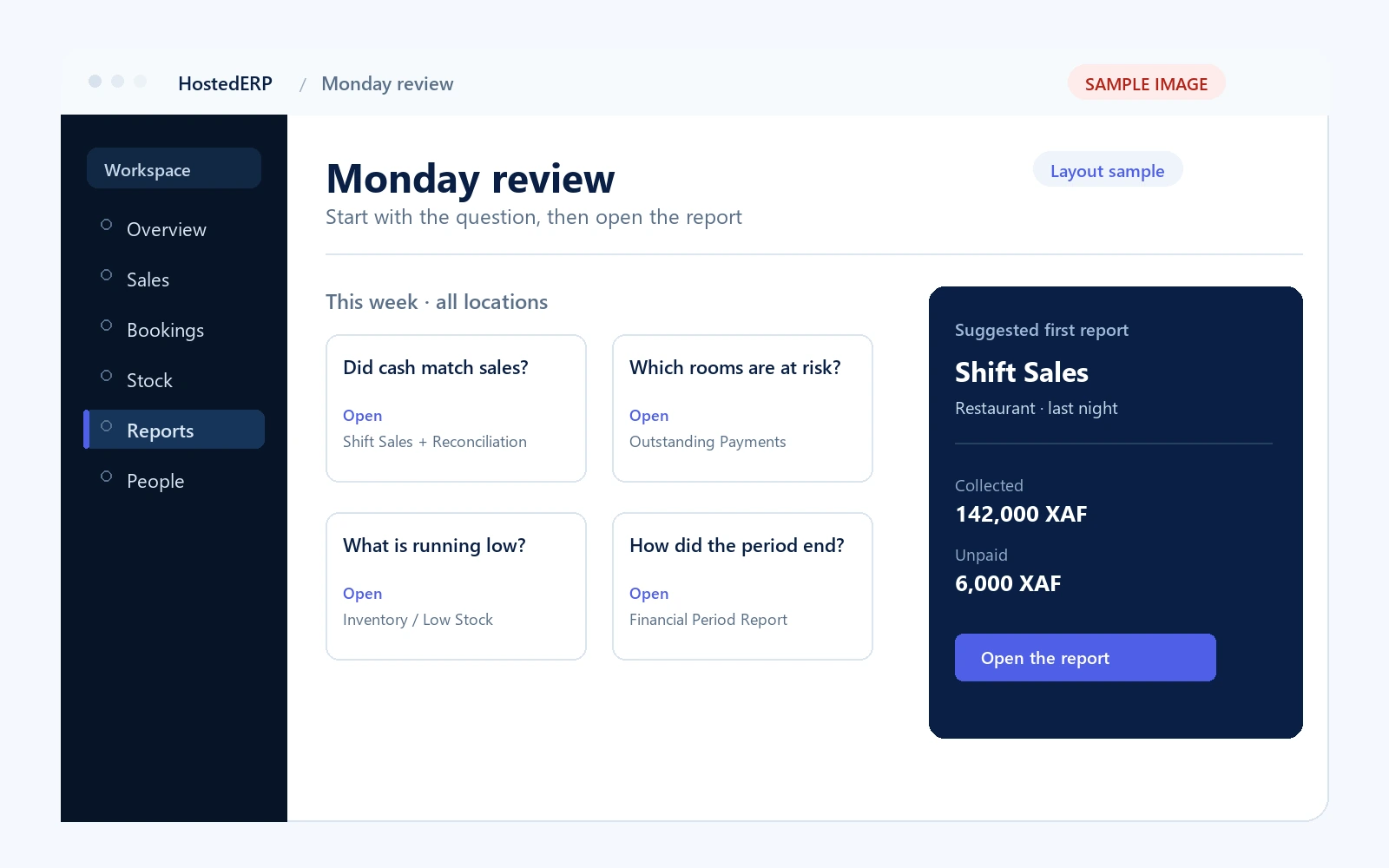
Five questions, five reports.
You as manager have just finished a busy weekend. You do not open a catalogue and scroll. You start with the question that matters this morning.
Shift Sales Report + Stock & Cash Reconciliation Reports
Use the shift figure for what was collected, then the reconciliation to compare cash and stock with the count.
Outstanding Payments + Booking Revenue Report
Separate confirmed revenue from pending, unpaid bookings that may expire.
Inventory Report / Main Warehouse Reports
Read availability against reorder thresholds. Treat the low-stock list as a purchasing queue.
Department Stock Reports + reconciliation
Check receipts, consumption, movement history and the latest physical count before assuming a loss.
Financial Period Report + Margin Analysis
Read the period profit-and-loss view and the margin explanation together.
Shift and security reports
Scope activity to a session and review sign-in or security patterns when something needs investigation.
Restaurant
Start with the shift, then move to the period if you are reviewing trading rather than closing a service.
Shift Sales Report
What the session rang up and collected; the authoritative cash figure for the close.
Stock & Cash Reconciliation Reports
Expected stock and cash against the physical count. Investigate a flagged gap before treating it as a loss.
Period Sales Report
Sales, production cost, prices and margin by product, category, team member and payment method.
Live Order & Sales Activity View
A pulse-check, not a reconciliation source. Use the closed report for the final figure.
Team, Category & Product Performance Reports
Attribute activity to staff, teams, products and categories. Confirm recipes before trusting margin.
Snack & drinks
The sales logic is the same as the restaurant, but the shift is shorter and direct stock replaces recipes for packaged items.
Shift Sales Report
Sales and collected cash for the counter session.
Stock & Cash Reconciliation Reports
Cash and direct-stock movement against the physical count.
Period Sales Report
Product, category and payment-method performance over the chosen period.
Inventory Report / low-stock view
Availability against reorder thresholds for the fast movers.
Team, Category & Product Performance Reports
Which products and categories carry the counter, and at what margin.
Warehouse & stock
Read warehouse and department stock separately before combining them. A group total can hide a department-level shortage.
Inventory Report
Movement across warehouse and departments, availability and usage tied to sales.
Main Warehouse Reports
Purchase orders, deliveries, movement history, spending and low stock.
Department Stock Reports
Department receipts, consumption and scoped low-stock views.
Supplier Performance Reports
Spend, delivery performance and the suppliers associated with the largest discrepancies.
Stock & Cash Reconciliation Reports
Compare expected stock with the count; record a variance as an audited adjustment.
Hotel & reservations
Occupancy and revenue are different questions. A full-looking calendar can still contain unpaid holds that will expire.
Units Summary & Occupancy
Rentable units by status, with overall occupancy.
Booking Revenue Report
Pending, active and extended revenue with discounts; pending is not confirmed cash.
Payments Received & Outstanding Payments
What has been collected against reservation invoices and what remains unpaid.
Card Encoding Activity
Success, failure and pending jobs. A failure trend points to hardware or the bridge.
Bookings Management Dashboard
Status counts, occupancy, arrivals, departures, outstanding payments and card activity.
Card Encoder Report Suite
Queue, card state by unit, assignments and the weekly summary.
Period close
The operational reports tell you what happened. The financial reports tell you what it meant. Read them together, not in isolation.
Expense Order Report
Spending by department, expense line, recipient and payment method.
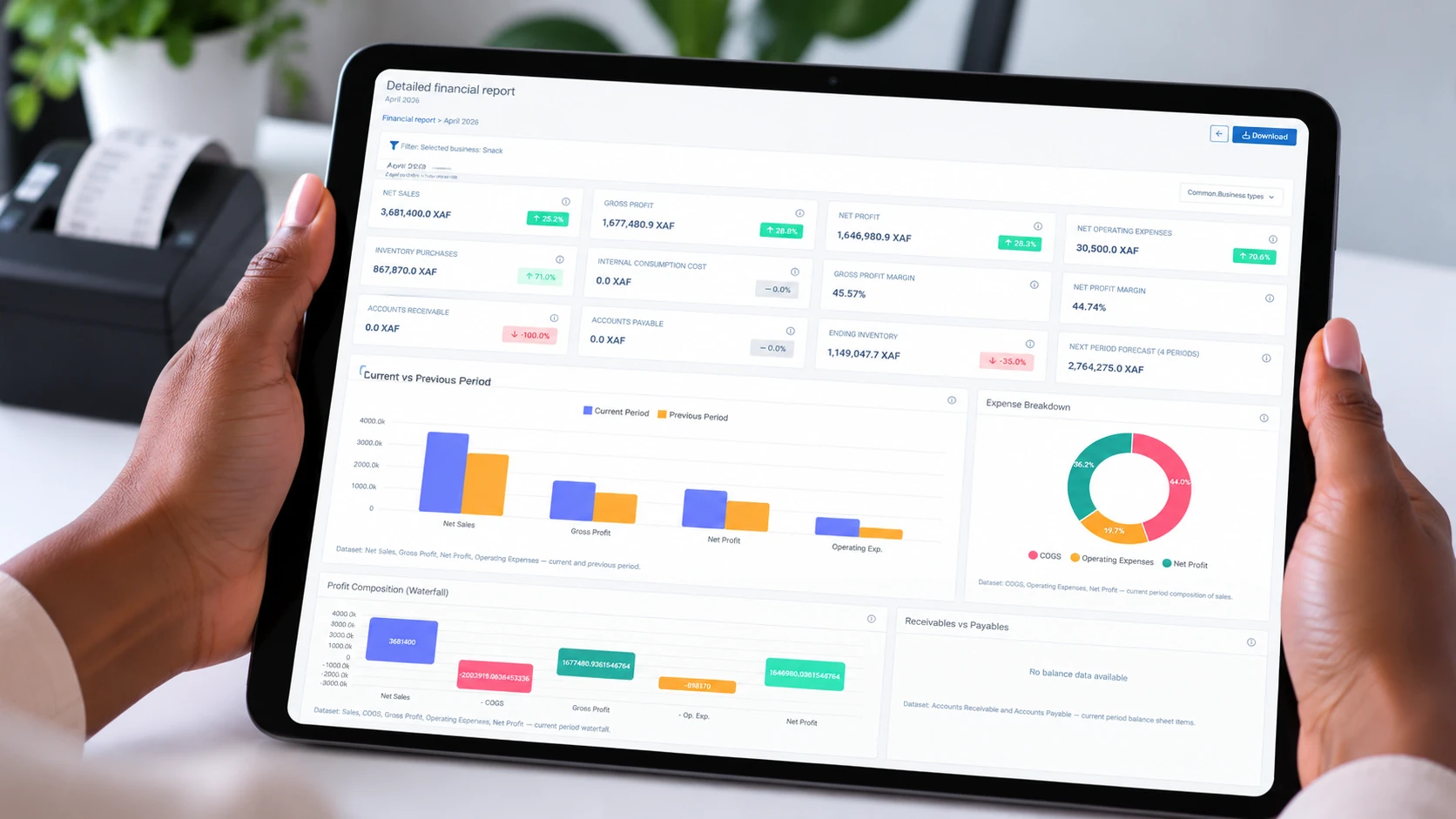
Financial Period Report
Gross sales, payments, expenses, inventory purchases and the resulting profit margin.
Margin Analysis
The profitability view generated alongside the period report; read the two together.
Financial Summary Widgets
Sales income, payments, expenses, budget and payment-method breakdowns on the dashboard.
PDF, spreadsheet or print
Reports can leave the platform as a document. Confirm the current export coverage before relying on it externally.
Let the report come to you.
You as manager do not have to keep checking the report list. Heads-Up can tell you when a report is ready, when stock crosses a threshold, when an expense is recorded or when a payment needs attention — wherever you are.
Review it while it is fresh
A shift or period report is finished; open it from the alert instead of refreshing the report list.
Act before service runs out
A product crosses its reorder threshold; the person responsible for purchasing hears about it first.
Question the cost early
An expense lands while the period is still open, not after the books have been closed.
Protect the guest moment
An outstanding payment or a card waiting to be encoded reaches the front desk before the guest is kept waiting.
You and your administrator choose the events worth an alert. The in-app bell keeps the full record if a phone alert is missed, and security alerts cannot be muted.
Read with care
- A report reflects the records upstream. An unclosed shift, unconfirmed delivery or unfinished recipe will show up as a gap.
- Most dashboard widgets default to today. Check the period selector before assuming a figure is wrong.
- Do not describe pending bookings as confirmed revenue.
- Do not treat a stock variance as a confirmed loss before checking the count and the movement history.
- Live views are a pulse-check; the closed report is the authority.
If you cannot say which decision the report supports, you probably need a different report — or a cleaner record upstream.