

An item, a payment, a stock movement.
A counter sale is deliberately shorter than a restaurant order. There is no table, no kitchen stage and usually no waiting bill. You select the item, take payment and complete the sale.
- Item — the exact product and quantity, scanned or selected.
- Payment — taken in the same motion as the sale.
- Receipt — printed or issued when the sale completes.
- Stock — reduced by the exact item sold, not by a recipe.
- Shift — the session that owns the cash and the stock snapshot.
A snack item is sold directly from stock. If the product is a bottle, a packet or a can, selling one should reduce that exact item once.
Before the rush
- Direct-stock items are created with a price and a unit.
- Barcodes or quick-select tiles are available for the fast movers.
- Opening stock is counted and belongs to the counter’s stock pool.
- The receipt printer is online and the correct location is selected.
- You as counter staff have an open shift.
One counter sale from scan to receipt.
Your match-day rush
You as counter staffA customer orders a bottled drink and a packaged sandwich. You have a queue behind them, so the sale has to finish in one pass: select, pay, receipt, next customer.
Open the counter shift
You or your manager open the counter session before the first sale. The shift owns the cash and the opening stock snapshot.
Check: the active shift is visible and the counter location is selected.Select the items
You scan the bottle and the sandwich, or select them from the quick-sale tiles. The quantities are one each; no table is assigned.
Check: the item names, quantities and prices match what the customer handed you.Take payment
You take payment in the same motion as the sale. Choose the payment method the customer actually used; do not leave the sale open like a restaurant table.
Check: the amount paid matches the total and the method is recorded.Print the receipt
The receipt prints when the sale completes. Hand it over with the items; the customer should not have to ask for it.
Check: the receipt shows the two items and the payment method.Confirm the stock effect
The bottle and the sandwich each leave stock once. No recipe is involved because these are direct-stock items.
Check: the counter stock for both items is one lower; do not make a second manual deduction.Serve the next customer
The sale is complete. Start the next sale on a clean screen; do not add items to the completed sale.
Check: the previous receipt is no longer an open sale.Close the shift
At the end of the session, you and your manager count the cash and review the shift sales and stock effect.
Check: the cash count is real and the shift report matches what was sold.
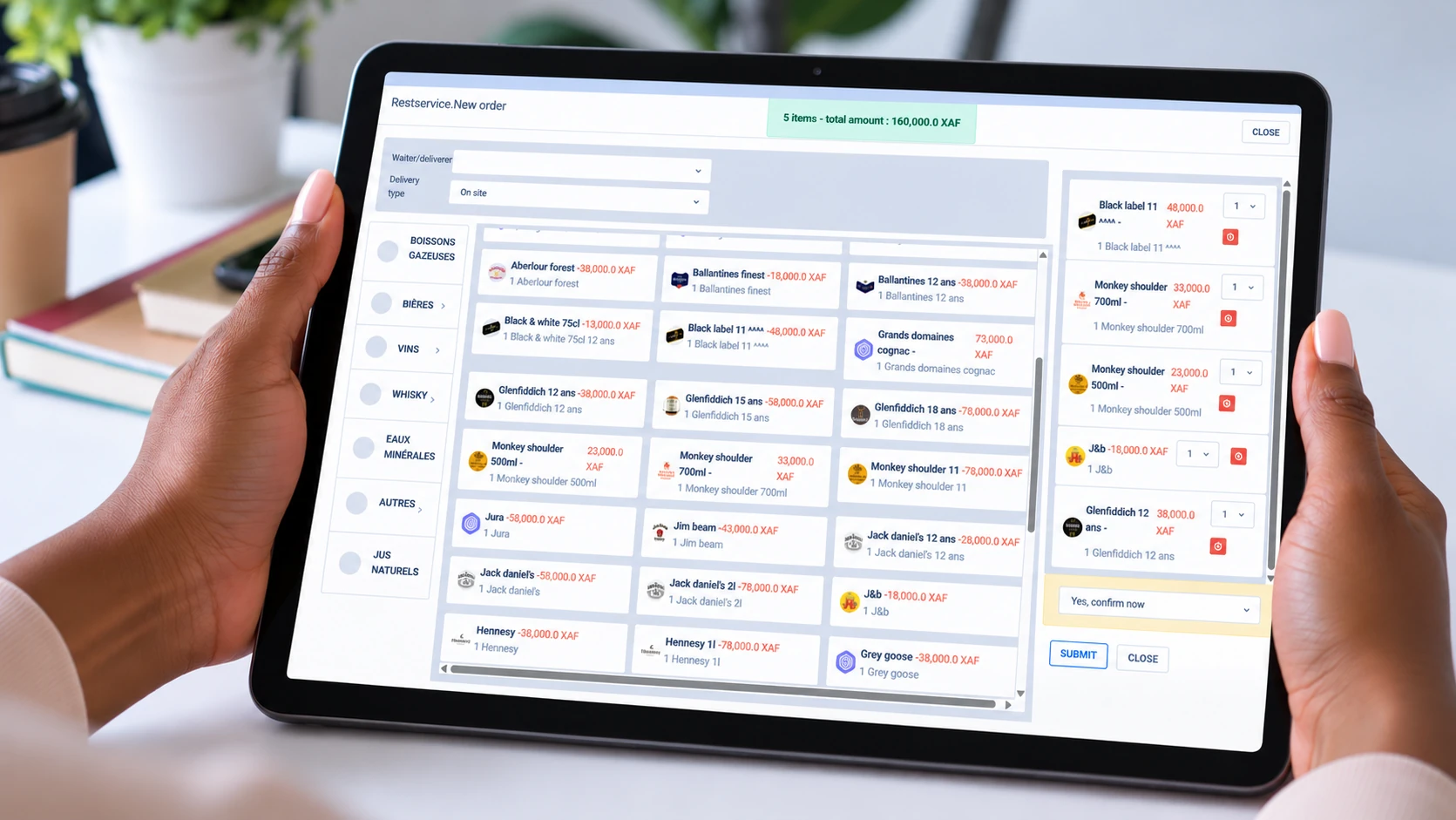
Restaurant vs snack
Table and service stage
Table assigned, order sent to the kitchen, items served, payment often deferred until the end.
No table, no kitchen stage
Items and quantities only. Payment is taken immediately and handing over the item completes the sale.
Recipe consumption
A composed dish consumes ingredient lines when the order becomes a live ticket.
Direct stock
A bottled drink or packaged sandwich reduces that exact item, with no recipe layer.
Both counters use the same sales and stock model. The business type changes how much ceremony surrounds the sale.
When the normal path does not fit
The wrong item was scanned
Remove it before payment. If the sale is already complete, correct it through your manager; do not create a second sale to balance the first.
The customer changes their mind after paying
Treat this as a correction, not a new sale. Your manager handles the record; the physical return of cash or goods remains a manual, authorised step.
An item runs out mid-rush
Stop selling it and check the stock figure. If the shelf is empty but the system says otherwise, record the real count through the proper stock process rather than continuing to sell a phantom item.
The sale already reduced direct stock. A second manual adjustment for the same item creates a false shortage.
Reports to check
Shift Sales Report
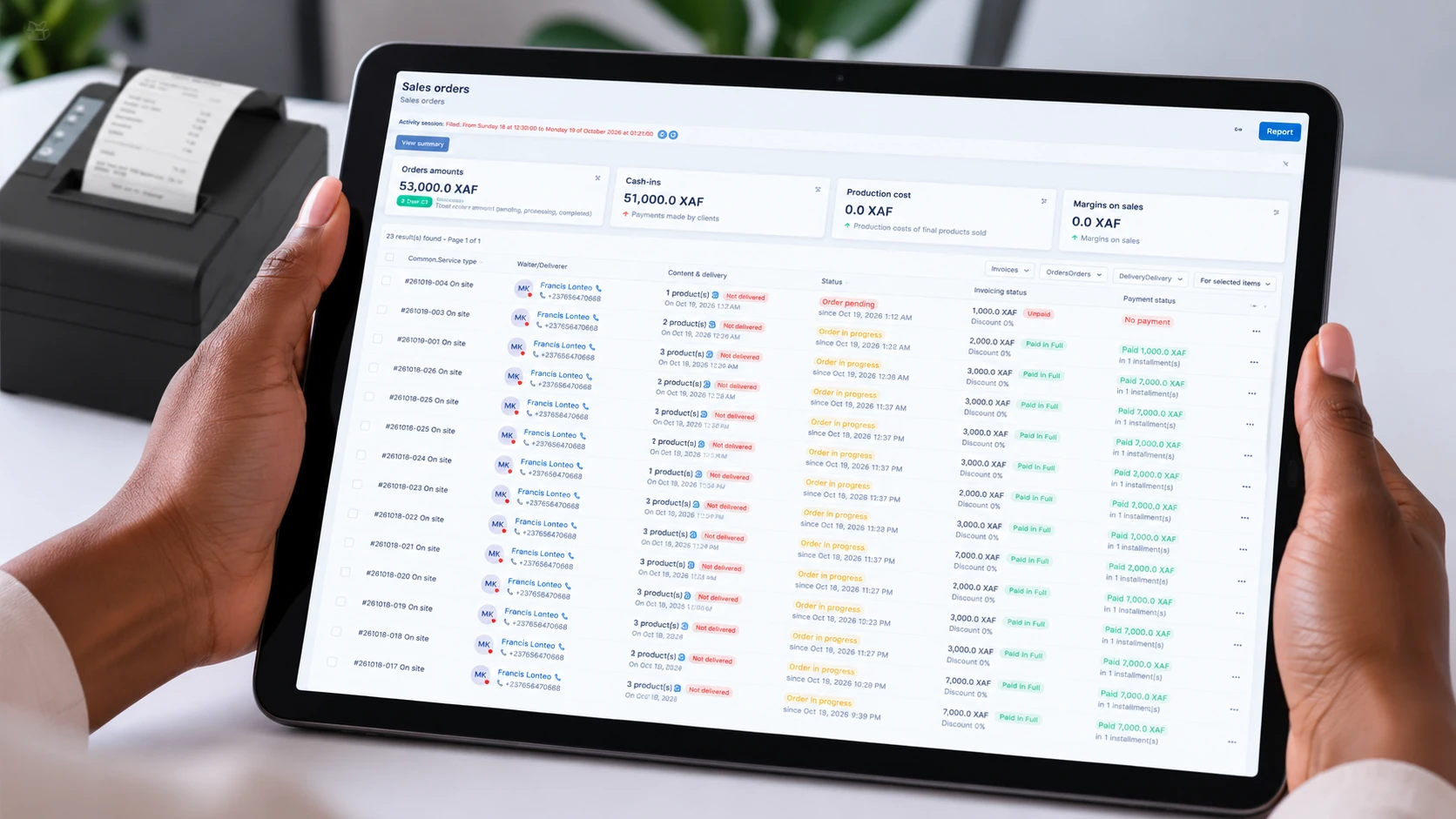
The end-of-shift figure for the counter session: sales, collected cash and card, and what remains unpaid.
Stock & Cash Reconciliation Reports
Compare the expected stock and cash with the physical count. Investigate a gap before treating it as a loss.
Period Sales Report
Sales and margin by product, category, team member and payment method for the period you choose.
Inventory Report / low-stock view
See availability against reorder thresholds so the next shift is not surprised by an empty shelf.
Team, Category & Product Performance Reports
Use product and category performance to decide what to restock and what to stop ordering.
When stock runs low or a counter report is ready, Heads-Up can reach the person responsible on their phone — wherever they are. The bell keeps the record if the phone alert is missed.
Close the shift
- Stop selling on the session and check that no sale is still open.
- Count the cash physically; enter the counted amount, not the expected amount.
- Compare cash and stock with the shift report.
- Investigate and explain any variance.
- Close and approve only when nothing is left open.
Next step
If your next sale is at a table, the restaurant guide shows the longer service path. If you need the stock side, continue to the warehouse guide.